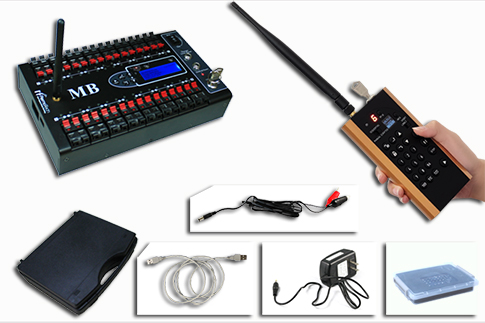




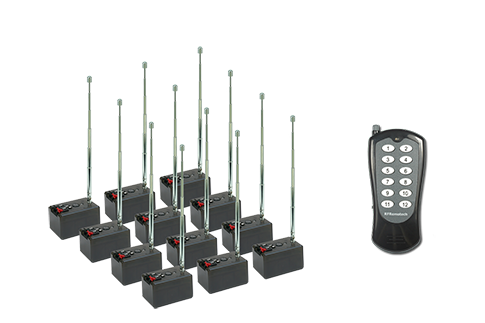

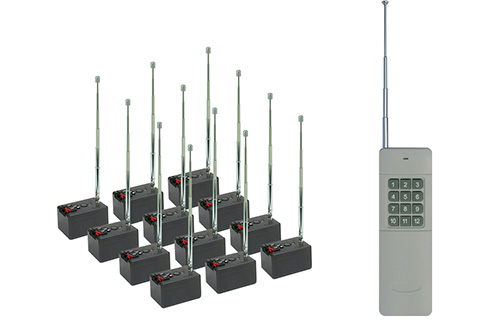
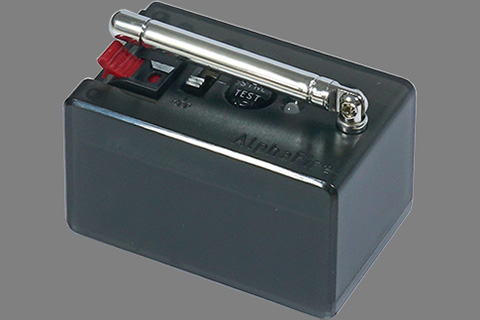
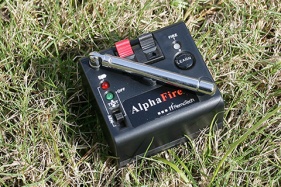

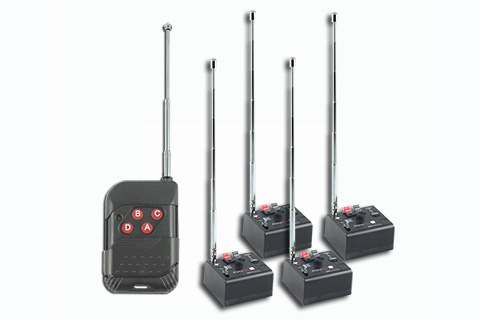
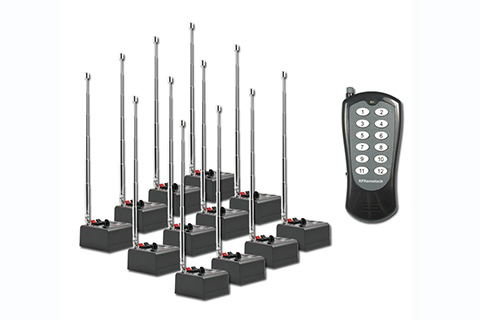

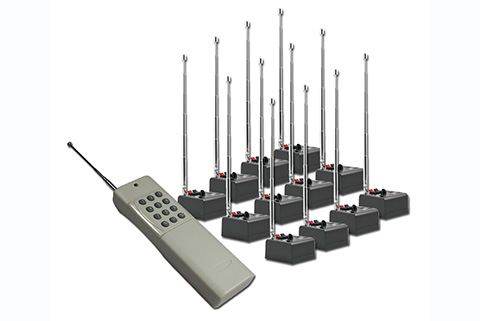




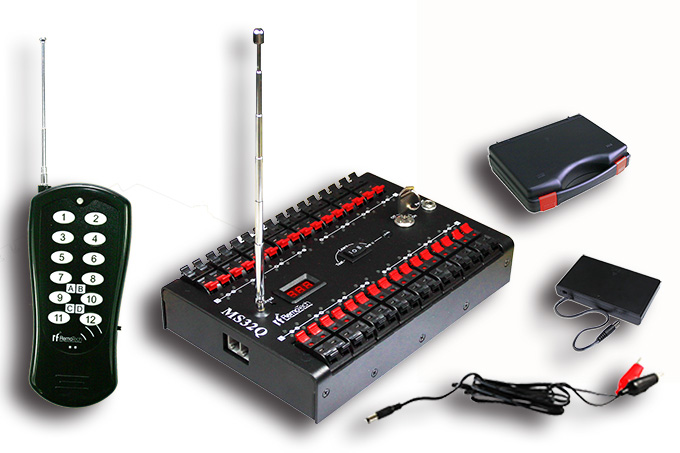
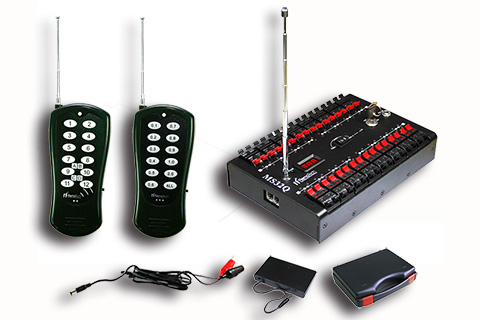
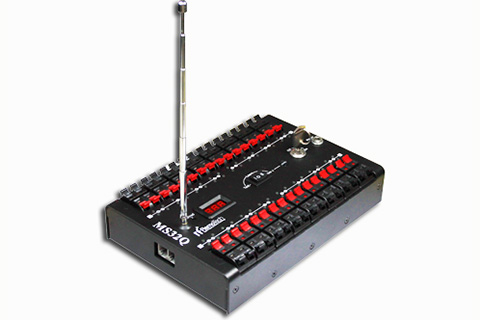


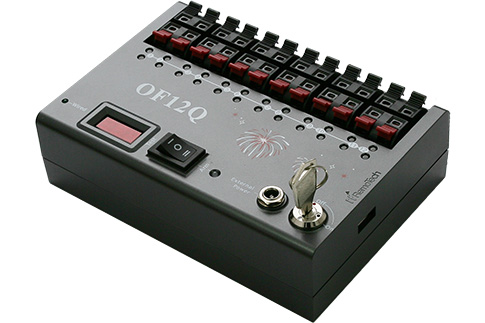
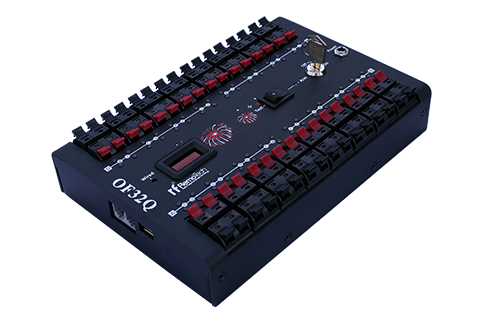




Programmable Fireworks Firing System MB32 Series
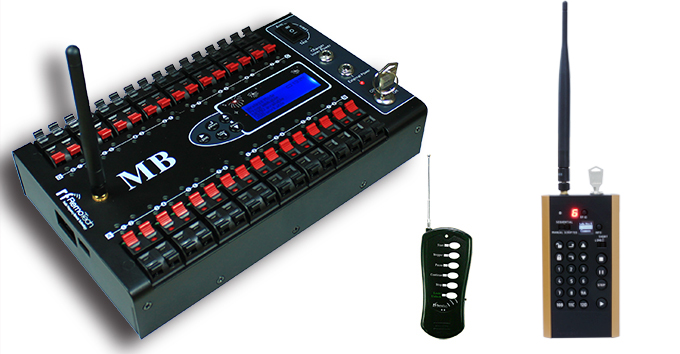
MB32 Series are high grade Programmable Wireless Fireworks Firing Systems, users can use PC to edit firing scripts easily. The software is built in a Melody Combiner, of which you can combine multiple melodies to be one according to scences.
Not only you can use PC to generate firing points as many as you need, but also you can edit firing scripts in the firing module.
Of course the system can work like other conventional firing systems.
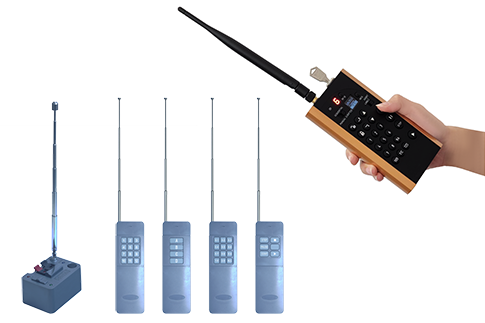
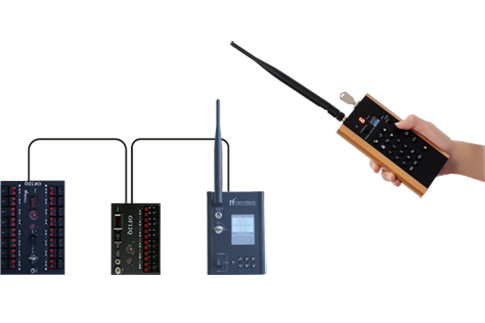
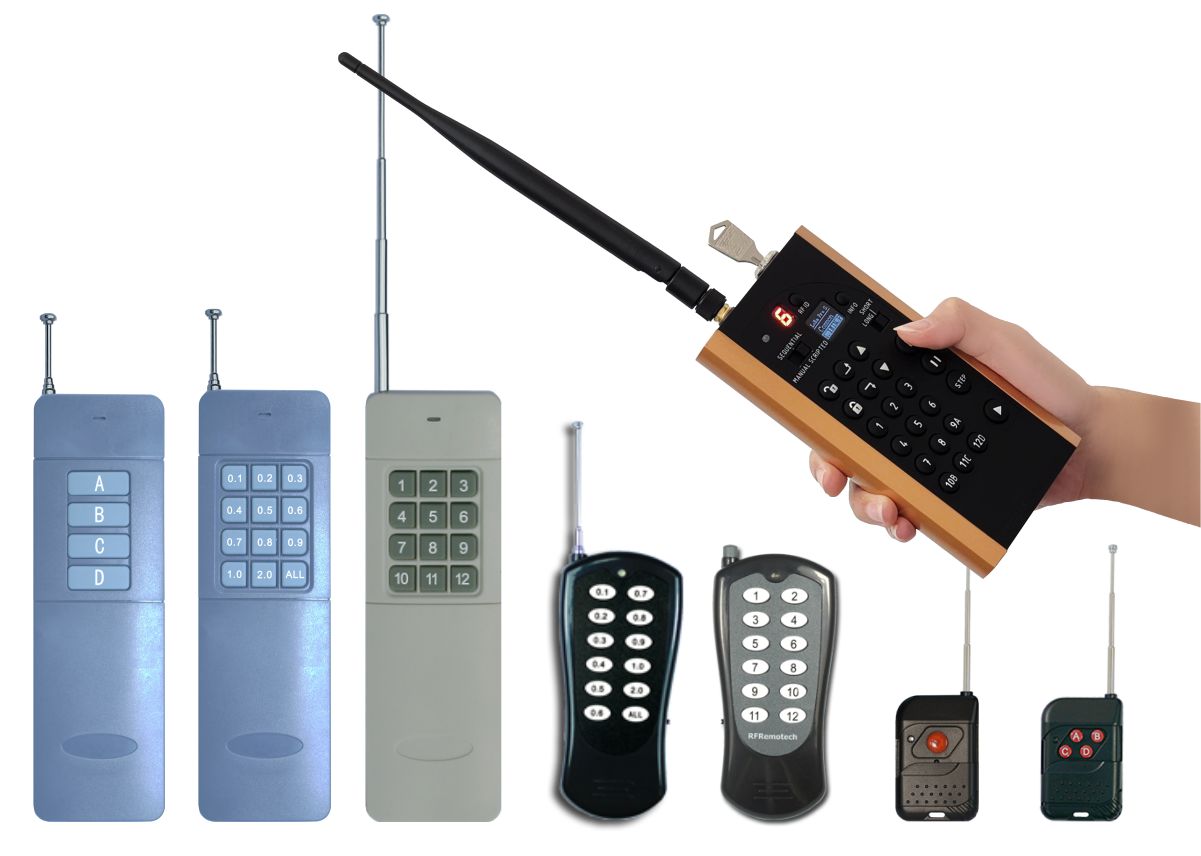
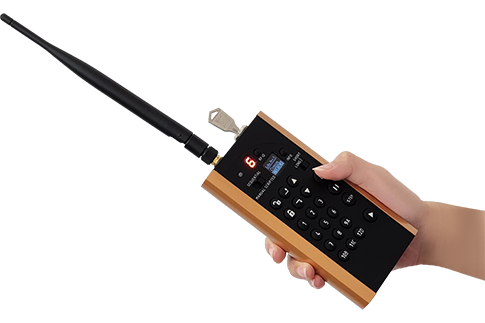
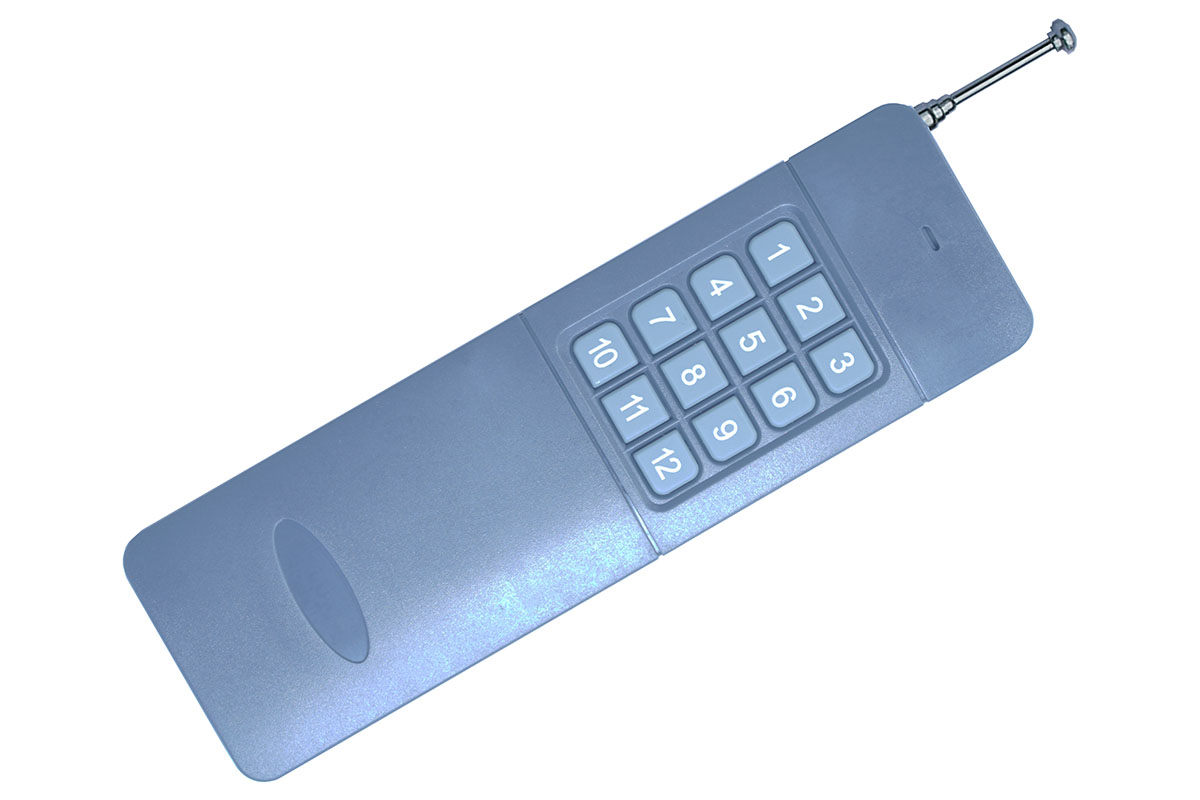
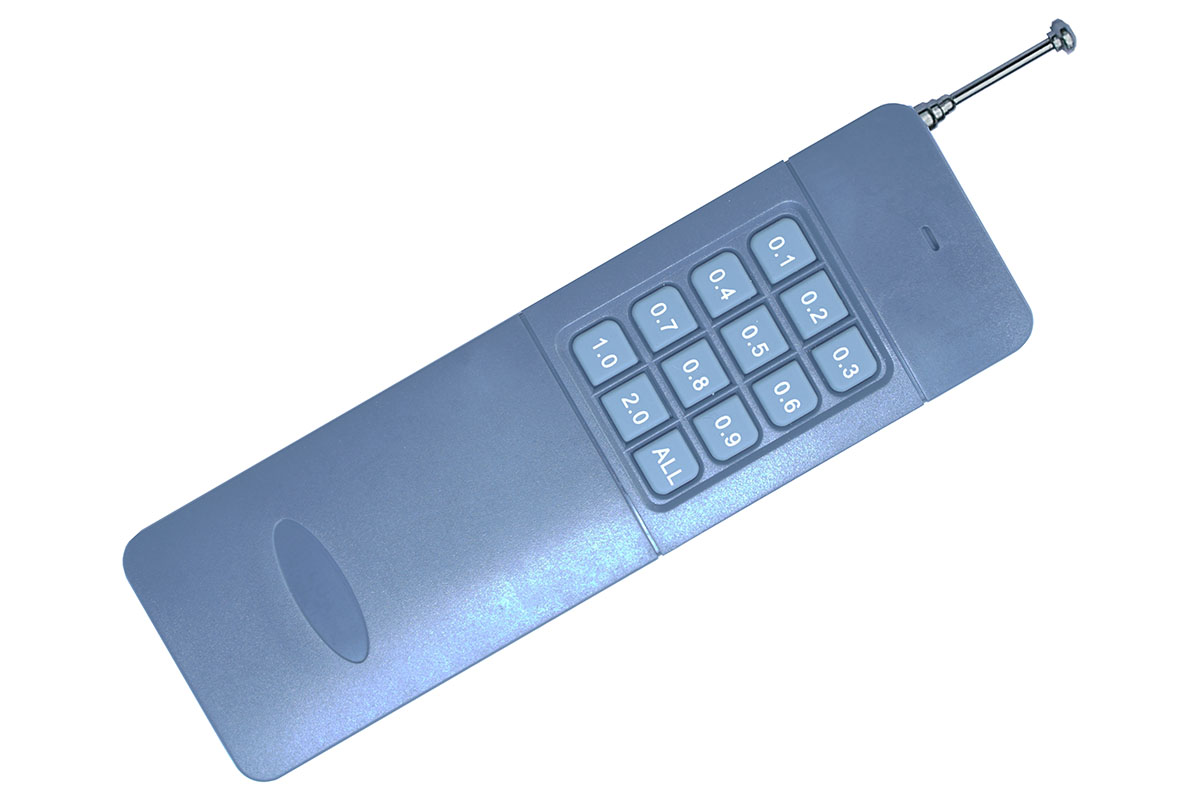
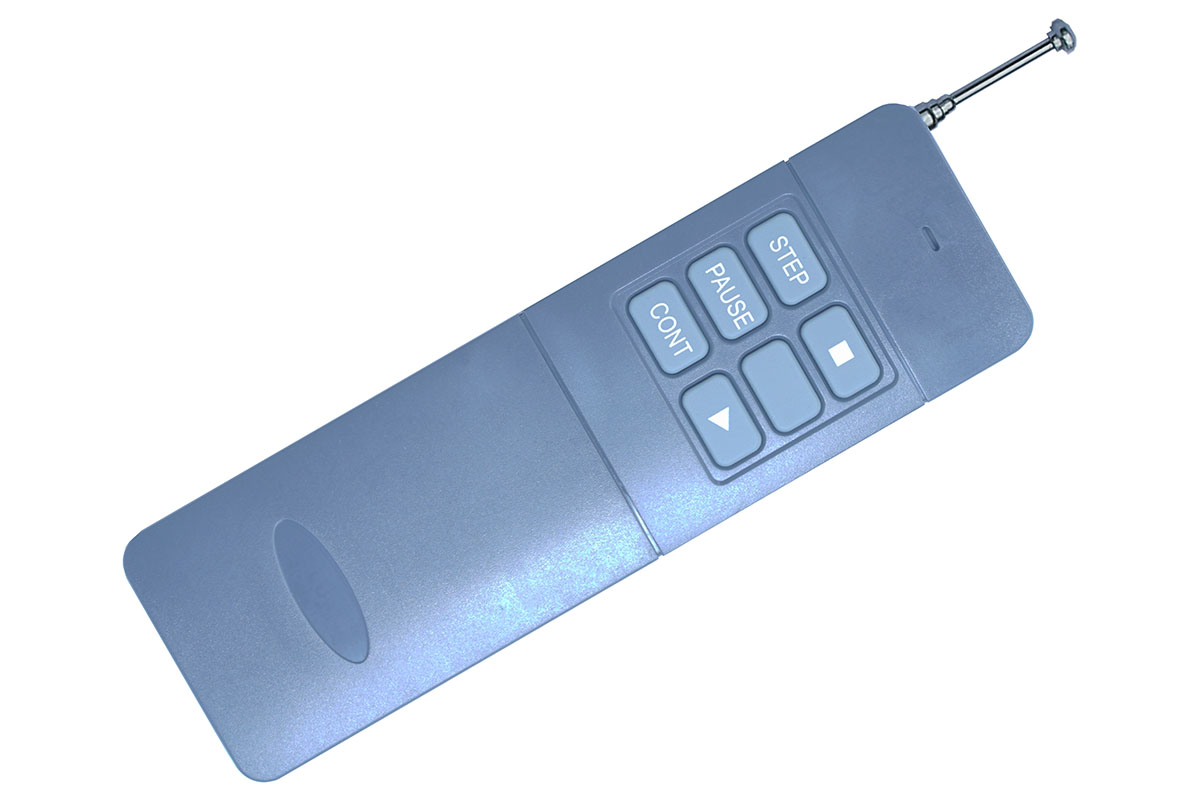
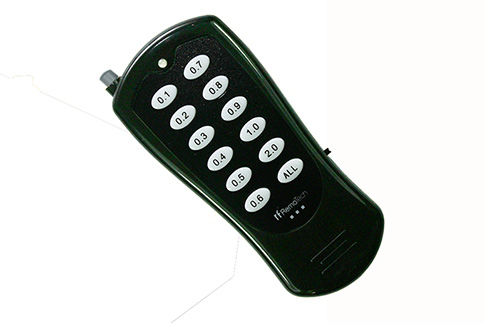
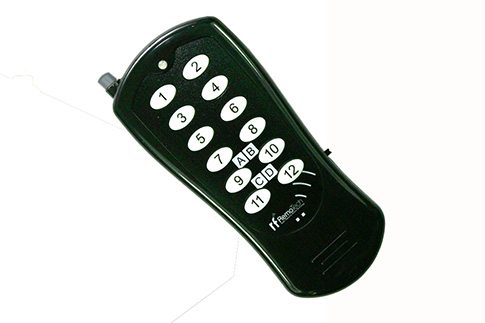
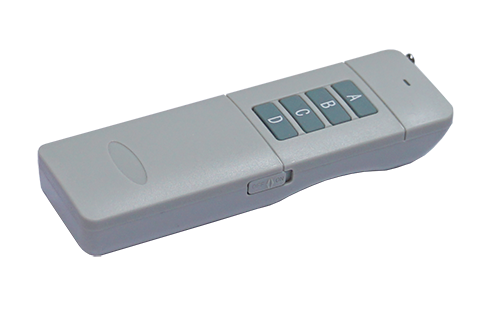
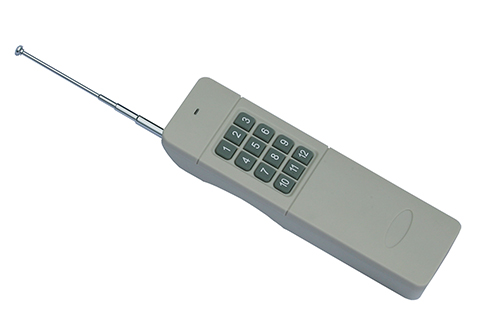
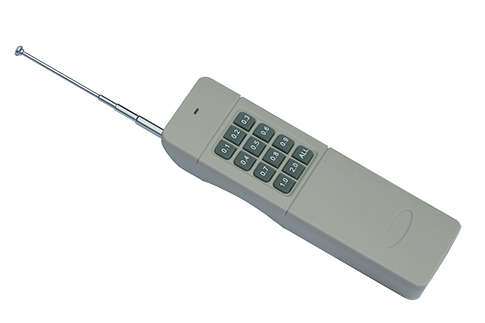
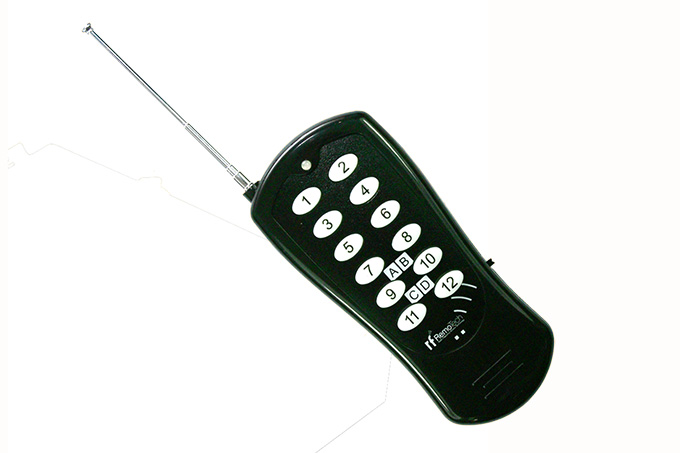
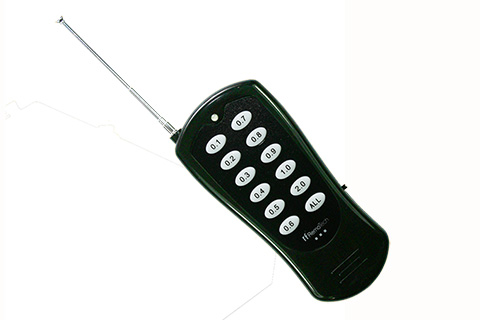
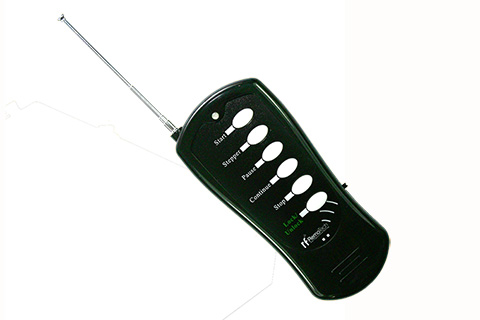
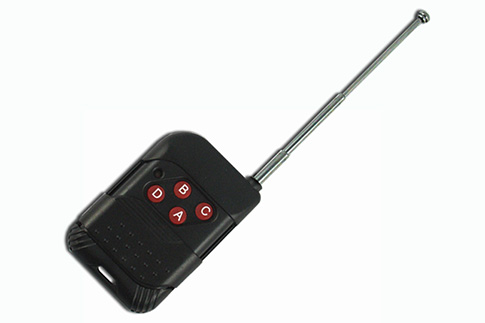
When you use a Multifunctional Transmitter like TLR1000-X to work with the firing modules, you can easily have Music Fireworks Shows.
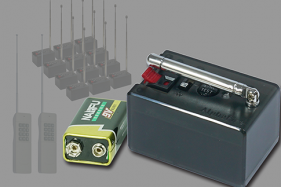
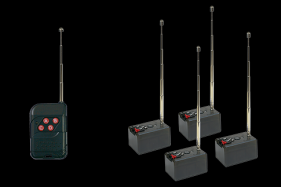
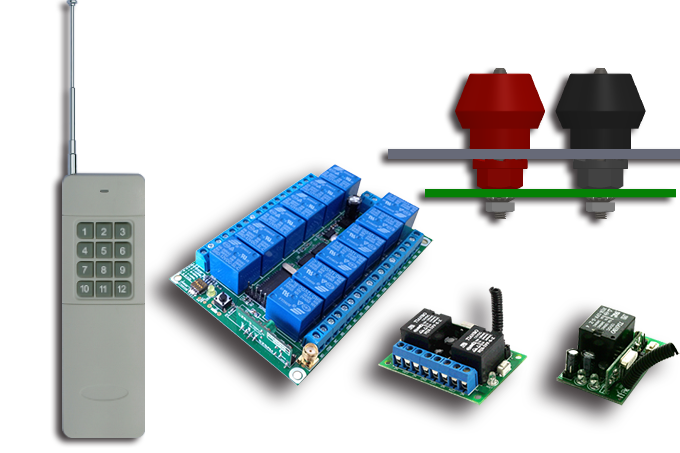
A transmitter can work with multiple firing modules synchronously, the quantity of the module is unlimited.
Users can program firing modules as many as you need.


Users can find latest version of the softwares below:
RFRemotech Fireworks Showeditor Software: Showeditor_V6.2.1W.exe
Used for script edit of fireworks show. Released on Aug.05, 2023.
Click to download a video to learn How to Use Showeditor Pro.
Available under Windows XP / 7 / 8.0 / 8.1 / 10.
If you are using Windows 11, you may encounter issues when connecting the devices, please refer to the following troubleshooting methods.
https://support.microsoft.com/en-us/windows/a-driver-can-t-load-on-this-device-8eea34e5-ff4b-16ec-870d-61a4a43b3dd5#id0edd=windows_11
Or download the instruction from the link:
https://www.rfremotech.com/Instructions/SolutionForWin11.pdf
This version is completely different from the former versions, the Melody Combiner is embeded in the software, melodies combined by the software can trigger RFRemotech Multifunctional Transmitter TCF200-U. The TCF200-U must be the last version.
If users have failures when install RFRemotech Fireworks Showeditor software, you can click and download the the zipped file folderand unzip it to install the USB driver manually: USB Driver
or you can also change the setting of your PC according to the guides below:
For Windows 8.0: How to make Window 8 allow the installation of the driver
For Windows 8.1: How to make Window 8.1 allow the installation of the driver
For Windows 10: How to make Window 10 allow the installation of the driver
Firmware Updates:
The Firmware of firing module PC32Q has been updated as well, which can work well with latest software Showeditor. You can download the Firmware to update it:
FirmwareofPC32Q20200306.rar
The version is V6.1.1 released on Mar.06, 2020.
Feedbacks of users:
.I really enjoy shooting with the MB32Q setup and it hasn't failed once.
.The MB32Q system is a good system, I do not have a lot of the issues that the Cobra system has.
Recommended Items